VISUALIZE
UNDERSTAND
IMPROVE
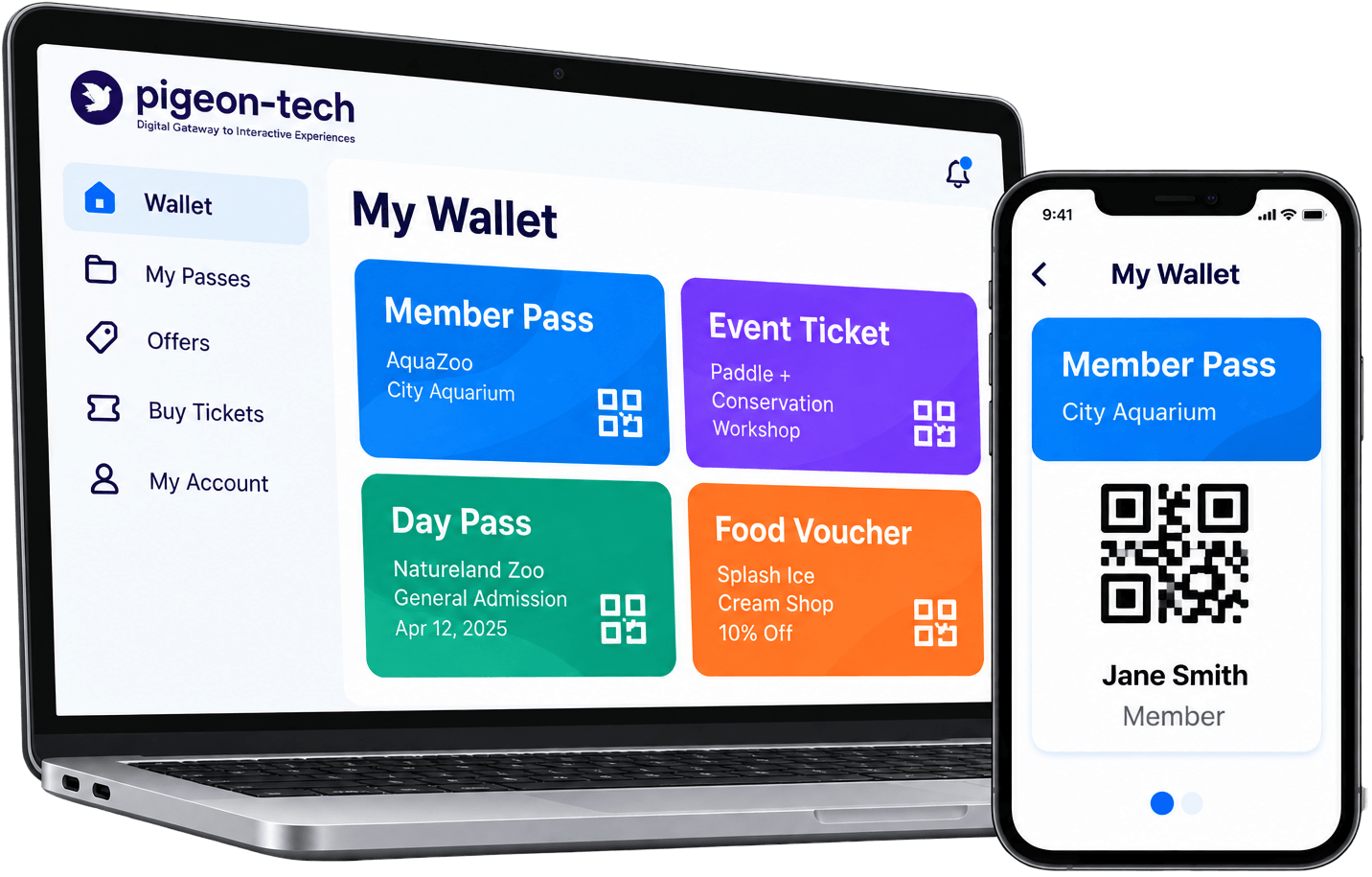
Mobile Wallet for
Tickets, Passes and Visitor Access
From Stored Credentials To Smoother Visitor Access
A simple wallet experience helps visitors keep supported credentials ready when they need them.
Add
A supported ticket, pass, membership, voucher, or credential is added to the visitor experience.
Access
Visitors can retrieve the digital item when they need it.
Present or Use
The credential is displayed or used according to the configured entry, membership, redemption, or transaction workflow.
Core Wallet Capabilities For Your Venue
Compact, powerful feature capabilities designed for real venue needs.
Tickets & Passes
Keep event tickets and visitor passes accessible in one digital experience.
Membership Access
Support member credentials and repeat-visit access.
Vouchers & Offers
Surface configured coupons, offers, or redemption items.
Digital Credentials
Store supported visitor credentials in a branded mobile experience.
A Branded Wallet Experience Visitors Can Use Quickly
Clear credential storage and fast entry access for all guests.
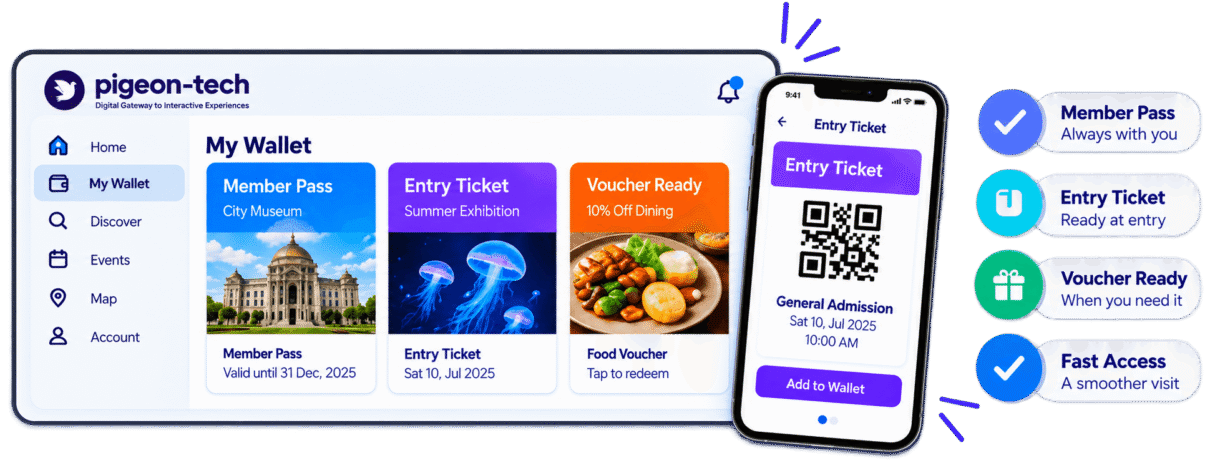
Value for Visitors and Venue Teams
For Visitors
For Venue Teams
Explore Related Pigeon-Tech Experiences
Understand visitor behaviour
Engaging, dynamic maps
Accessible experiences
Your brand, our technology
See Mobile Wallet in Action
Frequently Asked Questions
A mobile wallet for visitor attractions gives visitors a digital place to keep supported tickets, passes, memberships, vouchers, and other credentials that may be needed during their visit.
With Pigeon-Tech, the wallet can be part of the broader visitor experience so guests can access supported digital items from the same branded platform they use for maps, content, events, and other venue services.
The exact wallet capabilities depend on the systems and integrations included in the deployment.
Depending on the implementation, visitors may be able to access supported items such as:
1. Entry tickets
2. Membership passes
3. Season passes
4. Event credentials
5. Vouchers
6. Offers
7. Coupons
8. Other approved digital credentials
The exact items available in the wallet depend on the venue’s systems, business rules, and integration scope.
Pigeon-Tech should define what can be added, displayed, updated, and redeemed during implementation.
Yes, Pigeon-Tech can support membership or season-pass experiences when the required membership data and integration are available.
Depending on the deployment, the wallet may display information such as:
1. Member name
2. Membership status
3. Membership type
4. Expiration date
5. Barcode or QR code
Other approved membership details
The exact information shown depends on the membership platform and the data available through the integration.
Explore White-Label App
Pigeon-Tech can support configured vouchers, coupons, or offers when those features are included in the deployment.
For example, a venue may choose to provide:
1. Food or retail vouchers
2. Member offers
3. Event promotions
4. Discount codes
5. Redemption-based promotions
The way an offer is displayed, validated, or redeemed depends on the venue’s systems and business rules.
Pigeon-Tech should not imply universal point-of-sale integration unless that specific integration is available.
Payment and purchase capabilities depend on the payment platform, ticketing system, commerce provider, and integration selected for the project.
Pigeon-Tech may connect visitors to supported purchase or transaction workflows, but the Mobile Wallet should not be described as a standalone payment processor unless that functionality is specifically implemented.
Before launch, the deployment should define:
1. Which purchases are supported
2. Which payment provider is used
3. Whether purchases occur inside the app or through an integrated service
4. What information is returned to the wallet after the transaction
This distinction is important so buyers understand what the platform itself does versus what an external payment system provides.
Yes, integration may be possible when the existing system provides the required APIs, data access, and technical permissions.
Depending on the implementation, Pigeon-Tech may connect with systems used for:
1. Ticketing
2. Memberships
3. Event registration
4. Offers or vouchers
5. Customer or visitor records
6. Other approved visitor-access systems
The exact integration depends on the third-party platform and the data it makes available.
Pigeon-Tech should confirm the integration scope before promising specific wallet functionality.
Yes. The Mobile Wallet can be presented as part of a white-labeled Pigeon-Tech visitor experience using the venue’s branding.
Depending on the deployment, the visitor-facing experience can use the organization’s:
1. Logo
2. Colors
3. Content
4. Navigation
5. Wallet labels
6. Supported tickets, passes, and credentials
This allows the wallet to feel like part of the venue’s own digital experience rather than a separate third-party product.
Explore White-Label Visitor Apps
Where analytics are configured, venue teams can review supported interaction events related to the Mobile Wallet.
Depending on the implementation, this may include:
1. Wallet opens
2. Ticket or pass views
4. Membership interactions
5. Voucher or offer views
6. Redemption-related events
7. Other configured wallet interactions
The exact analytics available depend on the tracking setup and connected systems.
Wallet interaction data can help teams understand usage, but it should not automatically be treated as proof of purchase, satisfaction, or business impact unless those outcomes are directly measured.
Explore Visitor Analytics
Not necessarily.
Pigeon-Tech Mobile Wallet is part of the branded visitor experience and can provide access to supported tickets, passes, memberships, vouchers, and other digital credentials within the Pigeon-Tech platform.
If a deployment also supports adding passes to Apple Wallet or Google Wallet, that capability should be confirmed separately based on the ticketing or membership integration.
This is useful to clarify because buyers may use the term “mobile wallet” to mean different things.